How to Use SAM.gov to Find and Win Government Contracts
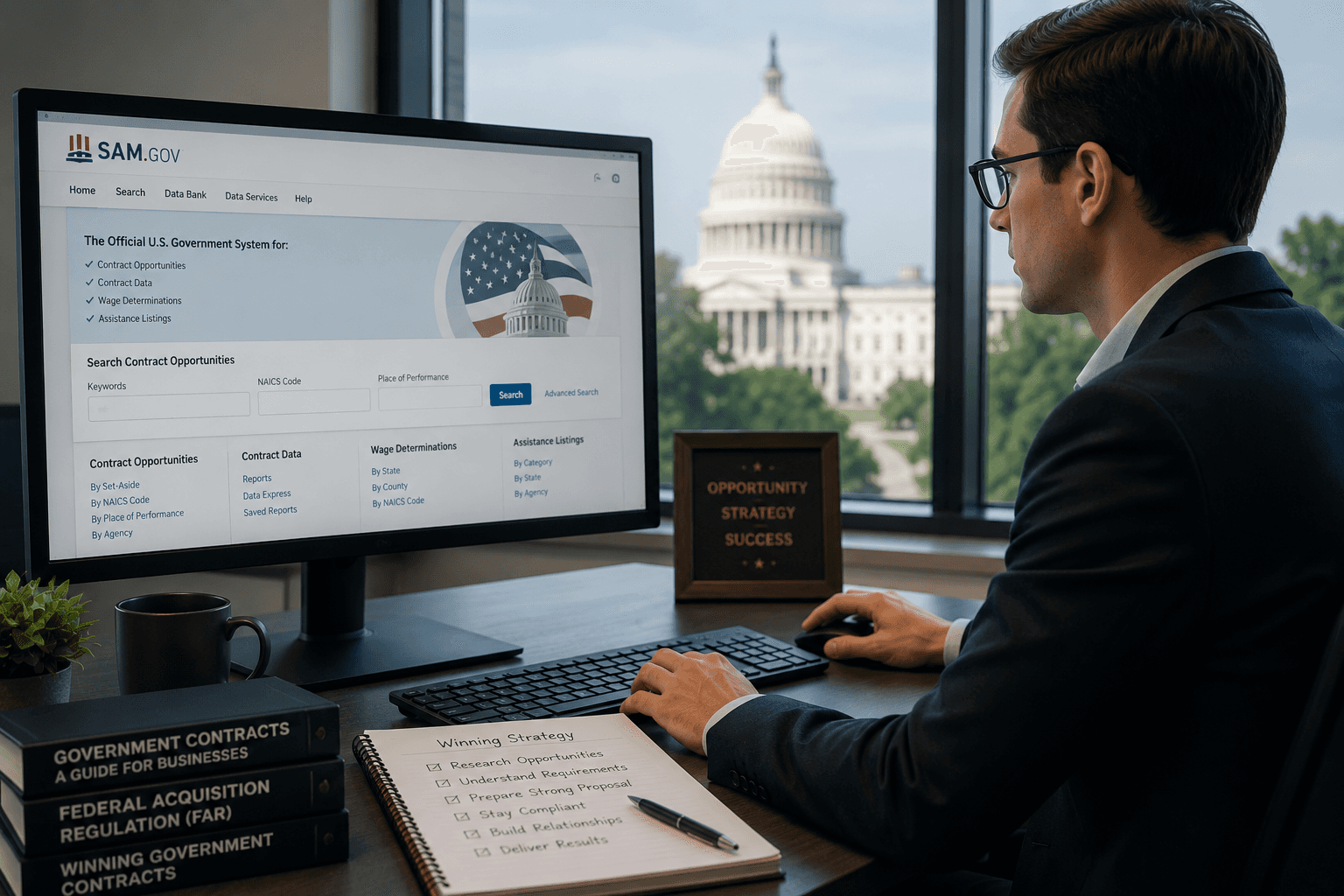
SAM.gov is the official U.S. government system for registering to do business with federal agencies and finding contract opportunities. It is the required starting point for almost every federal contractor.
This guide covers registration, saved searches, reading notices, and feeding capture. It also shows where SAM.gov stops and how AI matching extends it.
Key insight
SAM.gov tells a contractor what was posted today. It does not tell them what fits, what is winnable, or what is coming next, which is why discovery cannot end at SAM.gov.
Key Terms
SAM.gov: The System for Award Management, the federal portal for entity registration and contract opportunities.
UEI: The Unique Entity ID, a 12-character code that identifies an entity across federal systems.
NAICS code: The industry classification code used to match contractors to relevant solicitations and size standards.
Notice: A posting in SAM.gov, such as a presolicitation, solicitation, or award notice.
Set-aside: A contract reserved for a defined small business category.
Capture: The pre-proposal work of qualifying an opportunity and building a plan to win it.
What SAM.gov is and what it actually contains
SAM.gov serves two core functions: entity registration and opportunity discovery. Registration makes a firm eligible for award, and the opportunities area lists federal solicitations and notices.
The system contains posted contract notices, entity records, and exclusion and assistance-listing data. It is authoritative for what agencies publish, which is exactly why contractors must monitor it.
SAM.gov does not rank opportunities by fit or predict future demand. It is a system of record, not a capture tool, and treating it as one leads to missed and mismatched bids.
Step 1: Register and configure the entity profile
Registration is free and runs through SAM.gov entity registration. Start by creating a Login.gov account with two-factor authentication, then sign in to SAM.gov.
Request a Unique Entity ID, which replaced the DUNS number in April 2022. If a firm only needs the identifier, a UEI-only request requires just the legal business name and physical address.
Full registration is required to bid as a prime. Data entry takes one to two hours when prepared, and activation usually takes seven to ten business days.
Pro tip
SAM.gov registration is always free. Treat any email claiming a registration is "expiring" and demanding payment as a likely scam, and verify status only at sam.gov.
Step 2: Build effective saved searches and alerts
Saved searches turn SAM.gov from a manual hunt into a steady feed. Filter by NAICS code, agency, place of performance, and dollar range to match the firm's profile.
Then turn on email alerts so new solicitations come to the team automatically. Well-tuned filters keep the signal high and the noise low.
Build more than one saved search. A focused search per core NAICS code or agency catches opportunities a single broad search would bury.
Example
A managed-services firm might run one saved search for its primary IT NAICS code at a target agency, and a second, broader search for set-aside notices across all agencies.
Step 3: Read a SAM.gov notice properly
Reading a notice well prevents wasted pursuit. Check the notice type first, since a presolicitation, a solicitation, and a sources-sought each call for a different response.
Confirm the NAICS code, any set-aside, and the response deadline. Then open every attachment, because the real requirements and instructions usually live there, not in the summary.
Note the contracting points of contact and any questions deadline. Early, specific questions can shape a requirement and signal serious intent.
Step 4: Use SAM.gov data inside the capture process
A notice is the start of capture, not a reason to bid. Feed qualified notices into a go/no-go decision before committing proposal resources.
Capture means understanding the customer, the competition, and the firm's real position to win. SAM.gov supplies the trigger and the facts, while the team supplies judgment.
Connecting discovery to capture is what prevents pipeline pollution. For the decision framework, see how to qualify government bids: the complete go/no-go framework.
Step 5: Combine SAM.gov with AI matching and forecasts
AI matching and agency forecasts add the fit and timing SAM.gov lacks. Matching scores opportunities against a firm's strengths, and forecasts reveal demand before a solicitation posts.
Together they shift a team from reactive to proactive. Instead of chasing every alert, the team pursues the right opportunities earlier in the cycle.
This is the upgrade path from raw SAM.gov monitoring. Tools that broaden sources beyond SAM.gov are covered in 5 best SAM.gov alternatives for government opportunity discovery and top 5 Sweetspot alternatives for government contract discovery.
Common pitfalls
Most SAM.gov problems are avoidable with discipline. The errors below cost contractors eligibility, time, and winnable bids.
Letting registration lapse: a missed 365-day renewal can disqualify a firm at submission.
Paying a third party: registration is free, and fee-charging emails are a common scam.
Over-broad searches: a single wide filter buries good fits in noise.
Skipping attachments: the real requirements live in the documents, not the summary.
Bidding every alert: reacting without a go/no-go pollutes the pipeline.
How Civio extends SAM.gov
Civio sits on top of SAM.gov and turns posted notices into qualified, scored opportunities. Its Pursuit Teammate researches and ranks opportunities on fit, relationship strength, and competitive intel the moment they surface.
Civio scores accounts on the FIAT framework of Fit, Intent, Access, and Timing, so teams pursue the right deals rather than the latest alert. Discovery, qualification, and proposal then stay connected in one workflow.
Key data point
One contractor found 30+ overlooked opportunities in its first month after layering Civio's matching on top of SAM.gov. The wins came from fit-based surfacing, not more manual searching.
New teams reach this through a 2-day white-glove onboarding, and Civio's SAM.gov integration connects the data directly into capture.
Start Here checklist
Create a Login.gov account and get a free UEI.
Complete or confirm active entity registration in SAM.gov.
Build focused saved searches by NAICS, agency, and set-aside.
Turn on email alerts and a renewal reminder before 365 days.
Route qualified notices into a go/no-go and capture plan.
Teams expanding beyond federal can also review 7 best SLED contracting platforms for state and local sales and the complete guide to FedRAMP authorization for government contractors.
FAQ
Is SAM.gov free to use?
Yes. Registering an entity and obtaining a Unique Entity ID in SAM.gov are completely free. The government never charges for registration, so be cautious of third parties that charge fees for it.
What is a Unique Entity ID (UEI)?
A UEI is a 12-character alphanumeric code SAM.gov assigns to an entity. It replaced the DUNS number in April 2022 as the primary identifier for federal contracts, grants, and payments.
How long does SAM.gov registration take?
Data entry takes one to two hours when prepared, and activation typically takes seven to ten business days. New entities or registrations with validation issues can take three to four weeks.
Does SAM.gov registration need to be renewed?
Yes. Entity registration must be renewed every 365 days to stay active. A lapsed registration can make a firm ineligible for award at submission time.
What are the limits of SAM.gov for opportunity discovery?
SAM.gov lists posted solicitations but offers limited filtering, no fit scoring, and little forward visibility. Many contractors add AI matching and agency forecasts to surface fit and timing earlier.
Key Takeaways
Key Takeaways
SAM.gov registration and a UEI are free, and the UEI replaced DUNS in April 2022.
Renew registration every 365 days to stay eligible for award.
Focused saved searches and alerts turn SAM.gov into a usable feed.
Read the full notice and attachments before pursuing, and route through go/no-go.
Civio extends SAM.gov with AI matching, surfacing fit and timing that raw monitoring misses.